
MediaGet Torrent Client for Android (Google Play)
Built-in media player and instant setup for easy downloads.
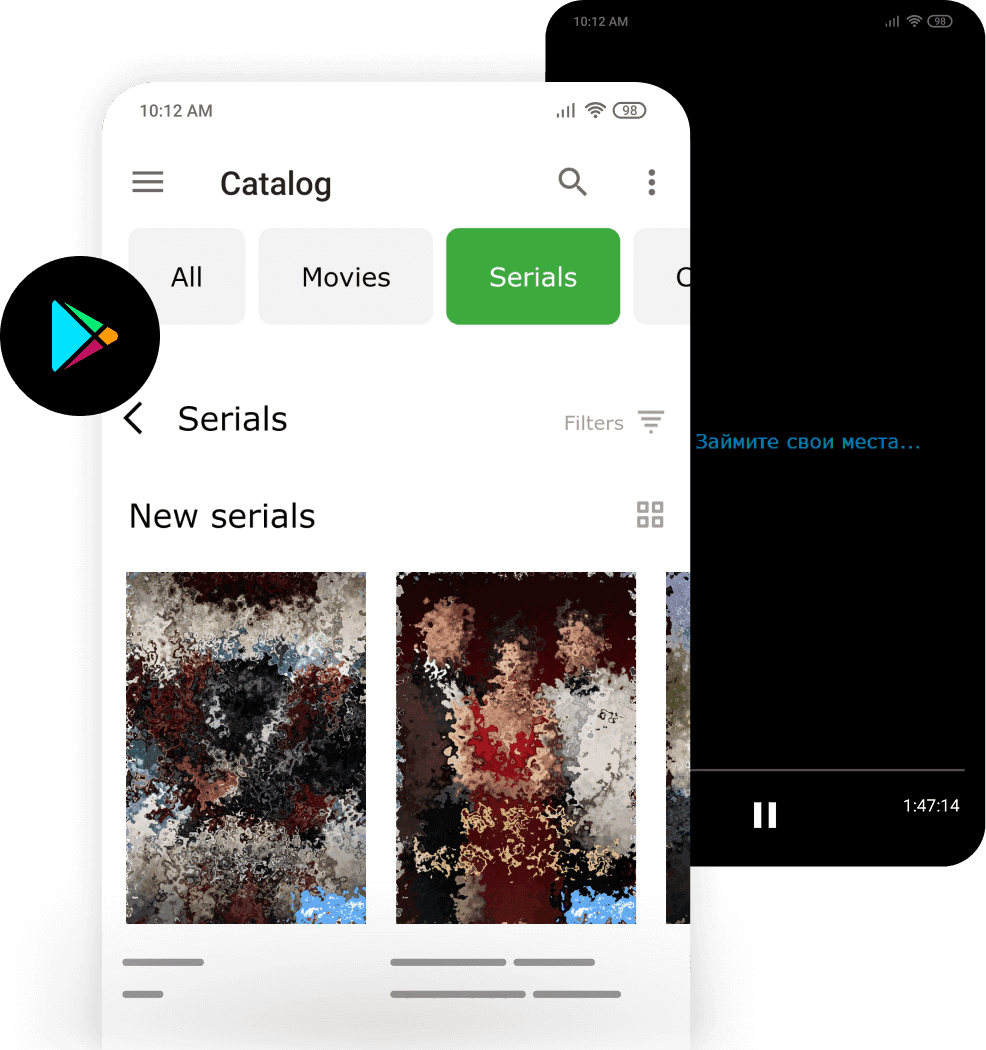
MediaGet torrent client for Android is a convenient torrent downloader available on Google Play that simplifies file downloading through torrents. It supports BitTorrent and P2P connections and provides easy access to any legally distributed content. This mobile torrent client features an intuitive interface optimized for touch control - even beginners can easily learn how to find and download files.
MediaGet torrent client for Android is a convenient torrent downloader available on Google Play that simplifies file downloading through torrents. It supports BitTorrent and P2P connections and provides easy access to any legally distributed content. This mobile torrent client features an intuitive interface optimized for touch control - even beginners can easily learn how to find and download files.
Key Features of Mobile MediaGet:
- Selective File Downloads: Choose specific files within torrents for targeted downloading
- Advanced Download Management: Set speed limits and prioritize download queues
- Background Processing: Files continue downloading even when the torrent client is minimized
- Integrated Media Player: Like the desktop version, mobile MediaGet includes a built-in video player that enables immediate streaming of downloading content without waiting for completion. This feature is particularly useful when downloading large files - users can begin watching on their phone while the torrent download is still in progress
The combination of efficient download management and instant playback makes MediaGet an ideal solution for users seeking free HD movies direct download functionality on their mobile devices.
Installing MediaGet on Android via Google Play
The simplest way to install MediaGet on Android is through the official Google Play Store.
Installation Steps:
- 01
Open the Google Play Store app on your smartphone and search for "MediaGet" in the search bar, or follow the direct link.
Download MediaGet Google Play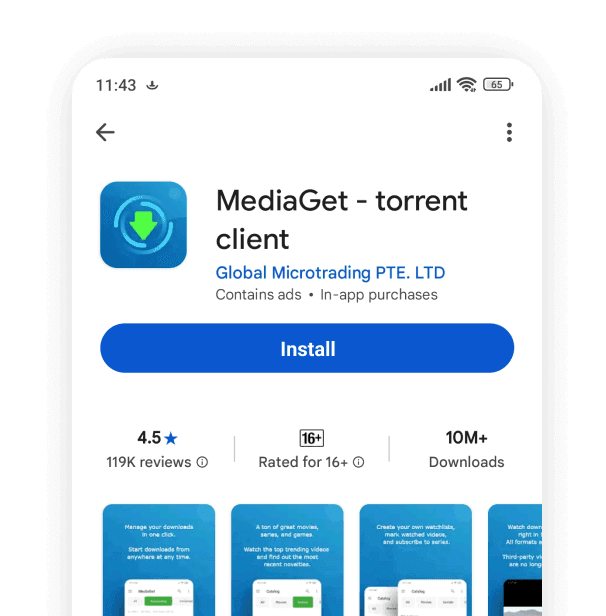
- 02
In the search results, you'll see the MediaGet icon. Tap "Install."
- 03
The application will download and install automatically.
- 04
After installation, you can launch MediaGet directly from the Store (using the "Open" button) or through the new icon on your screen. During the first launch, MediaGet may request permissions (such as device storage access for saving files).
That's it.
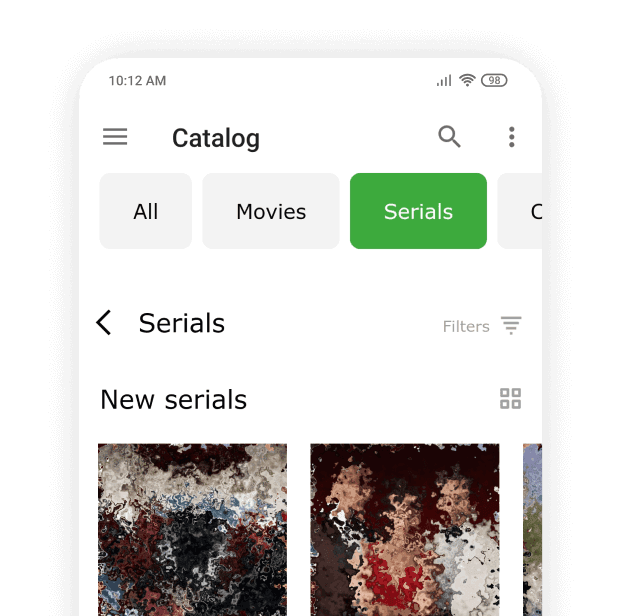
Once installed, you'll see the main MediaGet screen where you can immediately begin downloading .torrent files to find movies, series, or music tracks. This powerful torrent client also functions as an efficient link downloader and supports magnet to torrent conversion for seamless file access.
After downloading, files remain stored on your device - you can play them offline anytime or transfer them to your computer. Additionally, if you have a Smart TV with Chromecast support, you can cast downloaded movies from your phone to your television. Overall, MediaGet on Android is a comprehensive content downloading application that transforms your phone into a portable media center, offering complete torrent functionality in a mobile-optimized package.
Download MediaGet Google PlayTips:
For large files (high-quality movies), we recommend using Wi-Fi connection to avoid consuming mobile data.