
MediaGet Torrent Client for Windows
Smart torrent search, built-in media player, instant setup for easy downloads.
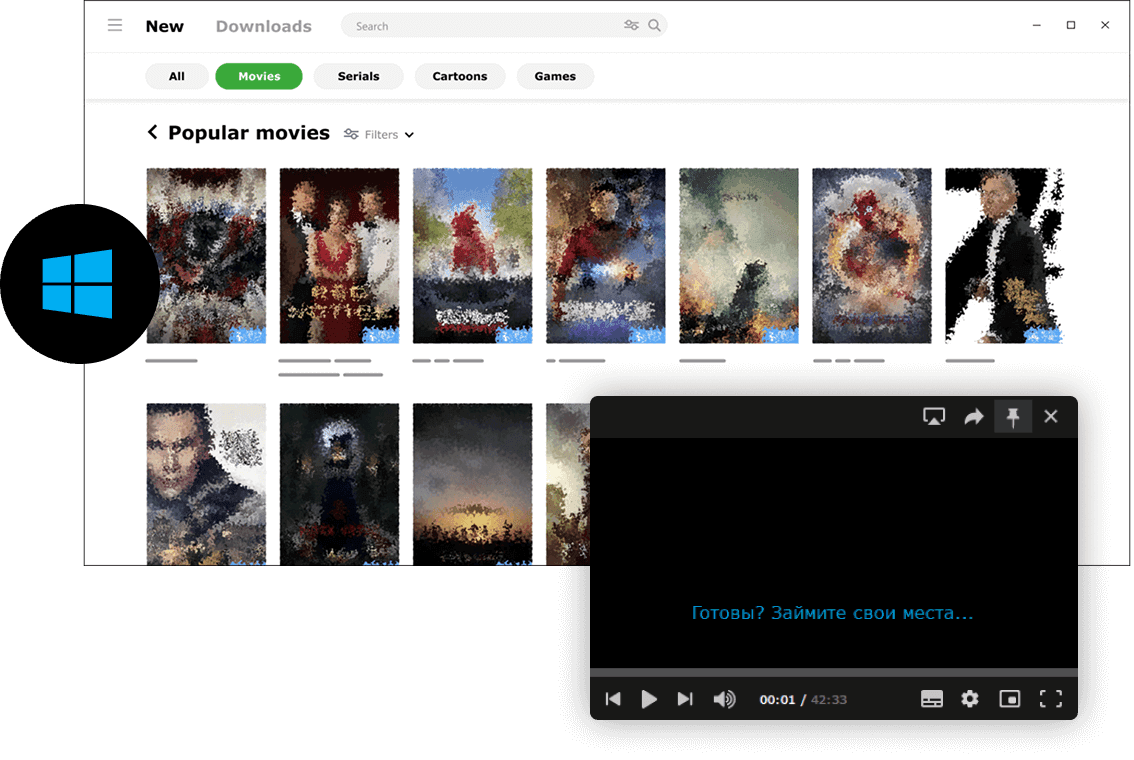
MediaGet torrent client for Windows is a fast, reliable, and user-friendly torrent downloader. It supports BitTorrent and P2P connections and provides easy access to movies, music, games, and other legally distributed content. Whether you want a free HD movies direct download, catch up on your favorite TV series, or manage your music library, MediaGet makes it possible in just a few clicks.
This app simplifies the process of finding active torrents by automatically searching for them, so you don't have to explore multiple torrent search engine websites manually. Its integrated torrent search compiles results from trusted trackers, ensuring that downloads are safer, more organized, and more efficient.
MediaGet combines the functionality of a free torrent client with features typically found in paid premium clients, but with a cleaner, more intuitive interface. You can open torrent files instantly, stream video as it downloads, and keep your entire media library organized in one place - no need to jump between multiple websites or p2p platforms.
How to Install MediaGet on Windows
- 01
Download the latest version of MediaGet for Windows from the official website. The installer is just about 4 MB.
Download MediaGet for Windows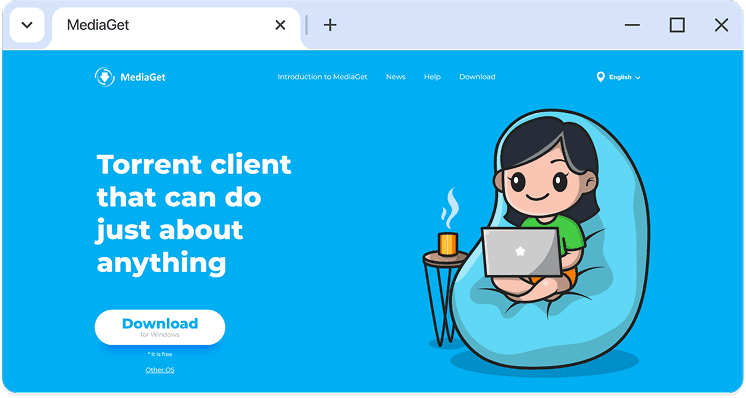
- 02
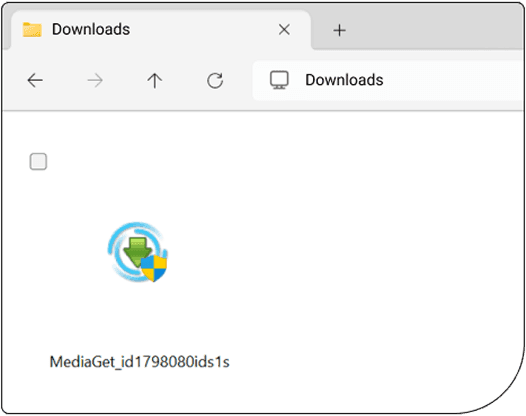
Run the downloaded exe file. Windows may prompt you for permission to make changes; click “Yes” to continue.
- 03
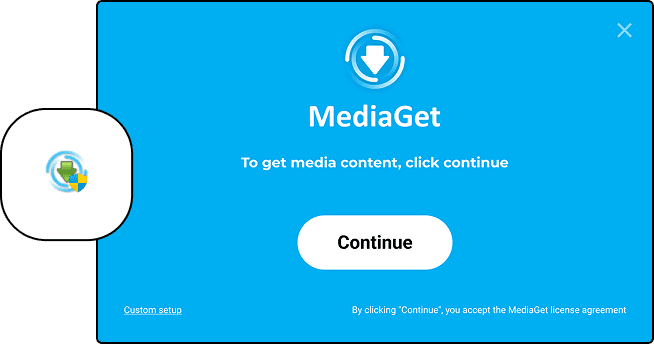
Follow the installation wizard. Click “Continue” when prompted. During setup, MediaGet may offer optional components - these are safe, and you can choose to accept or decline them.
- 04
Wait for the installation to complete - it typically takes less than 10 seconds. MediaGet will launch automatically when finished. You can also open it later from the desktop shortcut.
That's it.
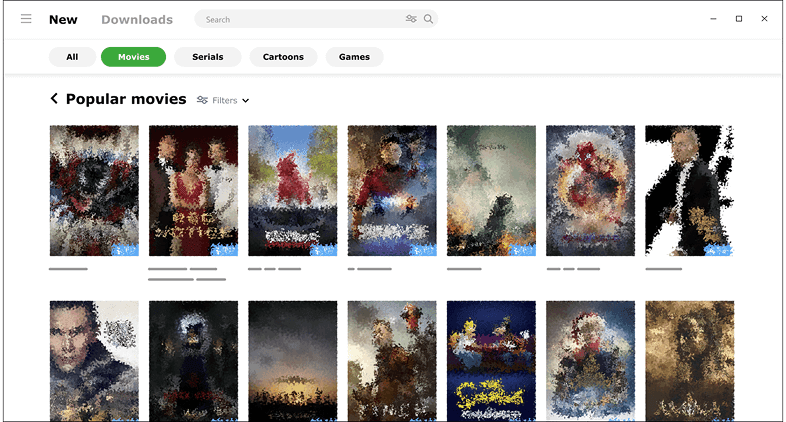
MediaGet is now ready on your Windows PC! On first launch, you'll see a library of trending torrents, including films, music, and games. Sign in via social media or email to sync your preferences and save your settings securely to the cloud.
Download MediaGet for WindowsNote:
If your antivirus unexpectedly flags or blocks MediaGet during installation, add the app to your antivirus whitelist. The program is tested, verified, and free from malware.
From here, you can explore the built-in torrent search engine, open magnet links with a one-click magnet to torrent converter, and even use it as a link downloader for direct media retrieval. The embedded player lets you stream while downloading, turning MediaGet into a complete hub for your media library.