
MediaGet Torrent Client for PC
Smart torrent search, built-in media player, instant setup for easy downloads.
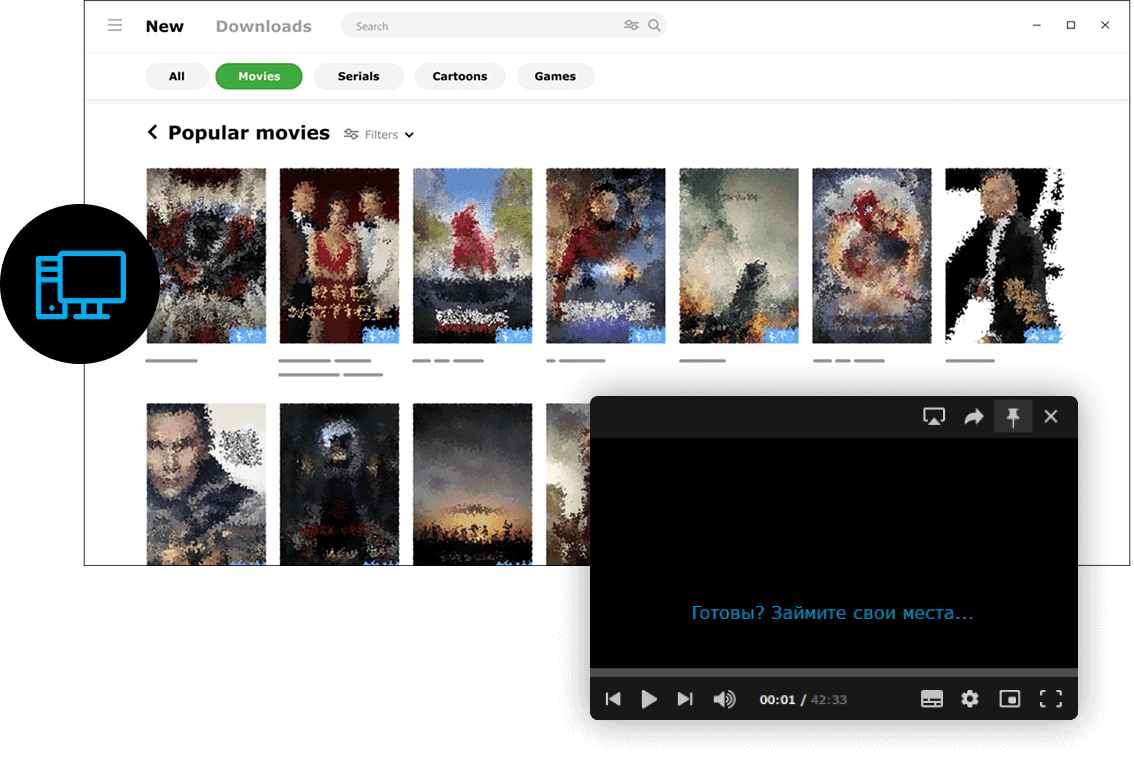
MediaGet torrent client for PC is a convenient and popular program for downloading files through torrents. It supports BitTorrent and P2P connections and provides easy access to legally distributed content. Desktop PCs typically have stable internet connections and larger disk storage compared to mobile devices, allowing you to confidently download even very large files - such as HD movies available in public domain, TV series seasons, games, and more through free HD movies direct download functionality.
With MediaGet's integrated torrent search engine, you can download movies with just a few clicks. The program automatically finds current torrents, eliminating the need to manually search for links across the internet. This makes file management more comfortable, organized, and secure. The lightweight application doesn't burden your system, ensuring the torrent client runs smoothly even on older computers without lag.
The key advantage of MediaGet on PC is its unified media content management center.
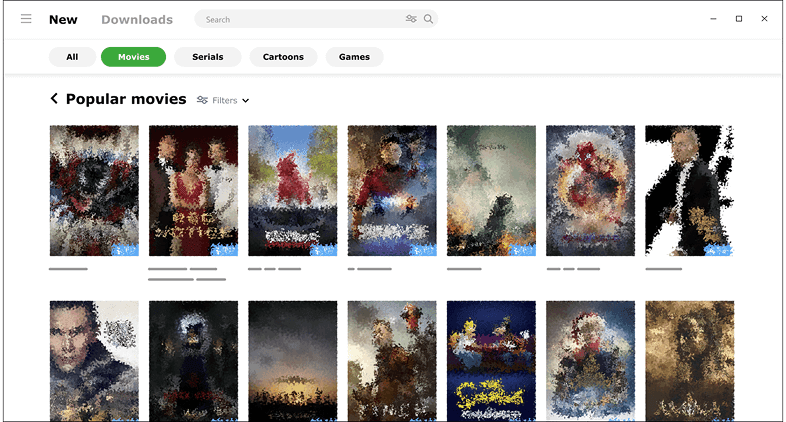
You can build an extensive library of movies, music albums, and books downloaded through torrents, all organized within MediaGet. Directly in the program window, you can view descriptions of each file, screenshots, information about size, video quality, ratings, and other useful details (data sourced from public databases).
The application also enables playlist creation: for example, create a "To-Watch List" and add titles of interest to download later. MediaGet allows subscriptions to series and game updates - the program notifies you when new episodes or releases become available, which is extremely convenient.
Regarding content discovery, MediaGet on PC maximizes its potential through advanced torrent search capabilities. Instead of manually searching torrents in browsers and opening dozens of websites, you simply enter queries in one application. This powerful torrent search engine works seamlessly across platforms, including specialized mac torrents when needed. Simply click "Download," and the torrent file automatically adds to your downloads. Advanced users can add their own torrent files or magnet links - MediaGet recognizes them and begins downloading through its interface.
MediaGet on PC combines browser functionality, torrent downloader capabilities, and media player features - all in one unified window, creating the ultimate torrent solution.
How to Install MediaGet on PC
- 01
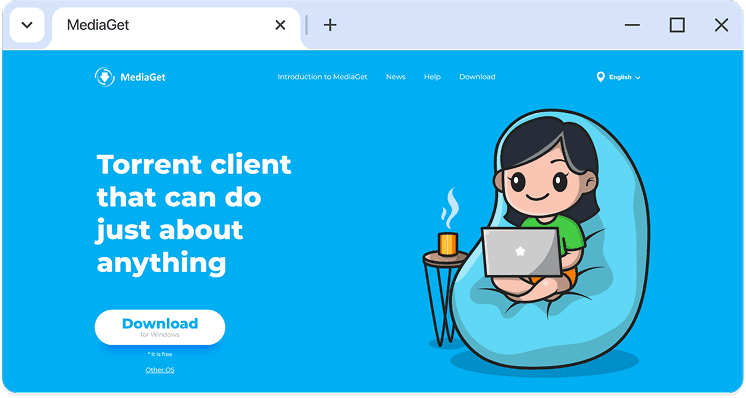
Download the latest version of MediaGet for Windows from the official website. The installer is just about 4 MB.
- 02
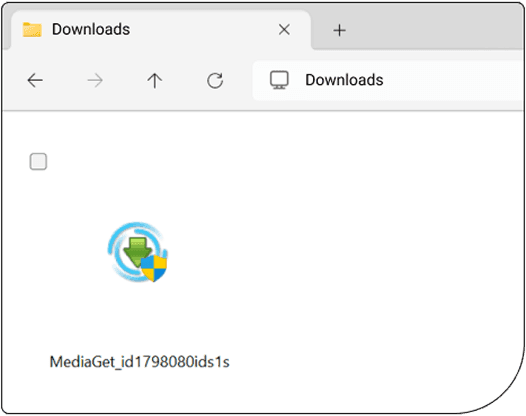
Run the downloaded exe file. Windows may prompt you for permission to make changes; click “Yes” to continue.
- 03
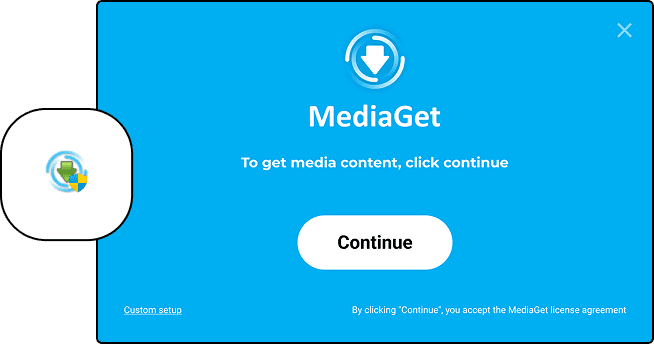
Follow the installation wizard. Click “Continue” when prompted. During setup, MediaGet may offer optional components - these are safe, and you can choose to accept or decline them.
- 04
Wait for the installation to complete - it typically takes less than 10 seconds. MediaGet will launch automatically when finished. You can also open it later from the desktop shortcut.
That's it.
With MediaGet, you can download movies, TV series, or any other files you need - quickly, conveniently, and without unnecessary steps. MediaGet is precisely the torrent client that makes downloading simpler and safer.