
MediaGet Torrent Client for Linux
Smart torrent search, built-in media player, instant setup for easy downloads.
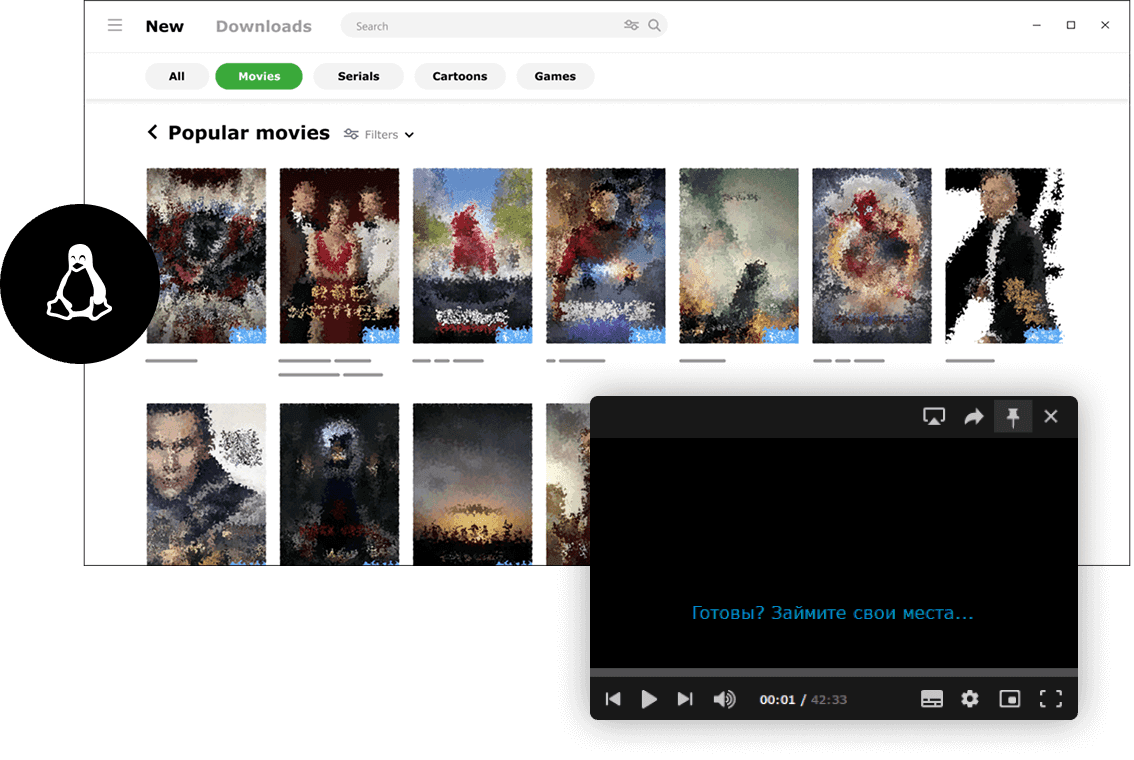
MediaGet torrent client for Linux is a fast, reliable, and user-friendly torrent downloader. It supports BitTorrent and P2P connections and provides easy access to movies, music, games, and other legally distributed content. Whether you want a free HD movies direct download, catch up on your favorite TV series, or manage your music library, MediaGet makes it possible in just a few clicks.
This app simplifies the process of finding active torrents by automatically searching for them, so you don't have to explore multiple torrent search engine websites manually. Its integrated torrent search compiles results from trusted trackers, ensuring that downloads are safer, more organized, and more efficient.
MediaGet combines the functionality of a free torrent client with features typically found in paid premium clients, but with a cleaner, more intuitive interface. You can open torrent files instantly, stream video as it downloads, and keep your entire media library organized in one place - no need to jump between multiple websites or p2p platforms.
How to Install MediaGet on Linux
MediaGet installation on Linux differs from Windows/Mac systems, as the application is distributed as an archive rather than a traditional .deb or .rpm package. The process is actually straightforward, though it's technically more of an extraction and configuration process than a conventional installation:
- 01
Download the mediaget.tar.xz archive from the official website (Download section - Linux version). The file is approximately 130 MB in size.
Download MediaGet for Linux
- 02
Extract the archive using your preferred method - either through a graphical archive manager (right-click - "Extract") or via terminal command: tar -xf MediaGet.tar.xz. This will create a MediaGet directory containing all necessary files.
- 03
Open terminal and navigate to the extracted MediaGet folder. Inside, you'll find several scripts (install-dependences.sh, add-to-apps.sh, run-mediaget.sh) and library folders
- 04
Execute the dependency installation script by granting execution permissions and running it:
sudo chmod +x install-dependences.sh
sudo ./install-dependences.s
This script updates the libstdc++6 library (if needed) and installs missing codecs (vlc-plugin-base package for the built-in player functionality). Enter your administrator password when prompted.
- 05
Optionally, you can execute the application registration script:
sudo chmod +x add-to-apps.sh
sudo ./add-to-apps.sh
While not mandatory, this step is recommended as it registers MediaGet with your system, making the application visible in your applications menu for easy launching.
- 06
Now MediaGet is ready to use. Launch the application either by running ./run-mediaget.sh from the installation directory (after granting execution permissions), or by finding the MediaGet icon in your desktop environment's application menu. Initial startup may require a brief wait while the application initializes.
That's it.
Following these steps, MediaGet will function fully on your Linux system. For enhanced organization, consider moving the MediaGet folder to a standard location (such as /opt/mediaget) and creating custom shortcuts if desired. Important Note: MediaGet updates on Linux require manual intervention - monitor the official website for new releases. Overall, the client operates well on Linux systems, delivering seamless torrent download capabilities and providing access to all advanced torrent functionality benefits on this operating system.
Download MediaGet for Linux