
MediaGet Torrent Client for Mac
Smart torrent search, built-in media player, instant setup for easy downloads.
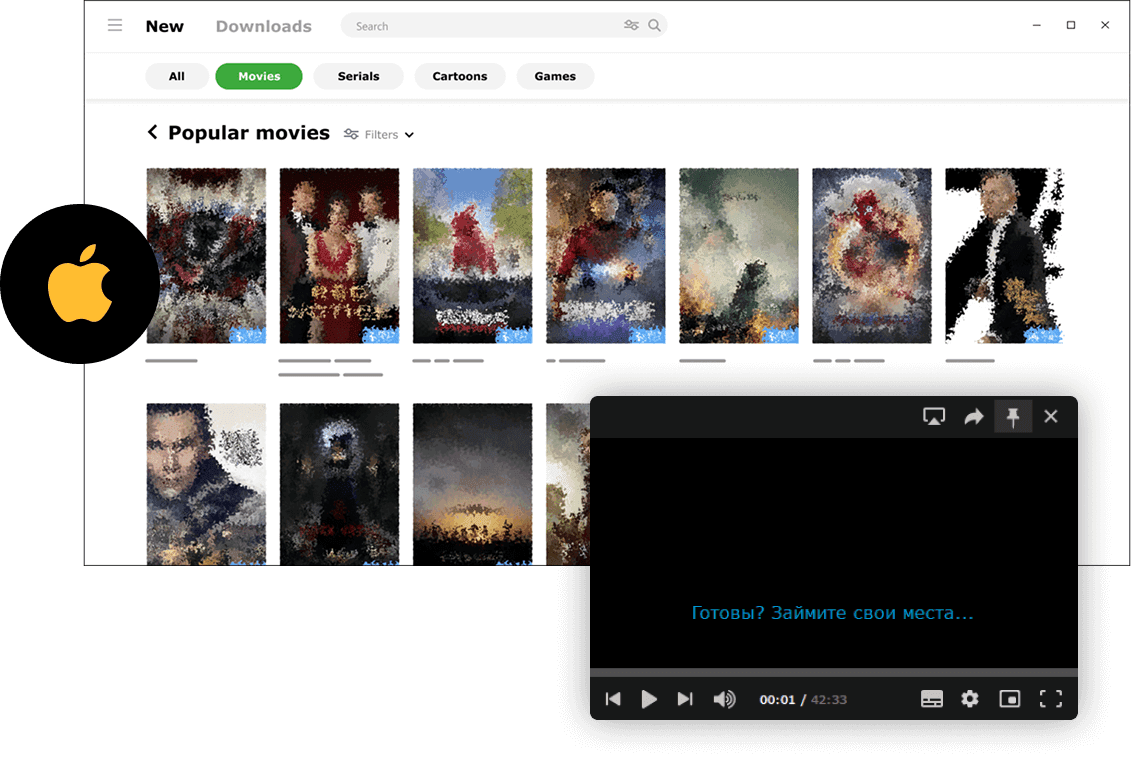
MediaGet torrent client for Mac is a fast, reliable, and user-friendly torrent downloader. It supports BitTorrent and P2P connections and provides easy access to movies, music, games, and other legally distributed content. Whether you want a free HD movies direct download, catch up on your favorite TV series, or manage your music library, MediaGet makes it possible in just a few clicks.
This app simplifies the process of finding active torrents by automatically searching for them, so you don't have to explore multiple torrent search engine websites manually. Its integrated torrent search compiles results from trusted trackers, ensuring that downloads are safer, more organized, and more efficient.
MediaGet combines the functionality of a free torrent client with features often found in paid premium apps, but with a cleaner, more intuitive interface designed for macOS. It’s built to make finding and downloading mac torrents simple, fast, and reliable. You can open torrent files instantly, stream video as it downloads, and keep your entire media library organized in one place - no need to jump between multiple websites or p2p platforms.
How to Install MediaGet on Mac
- 01
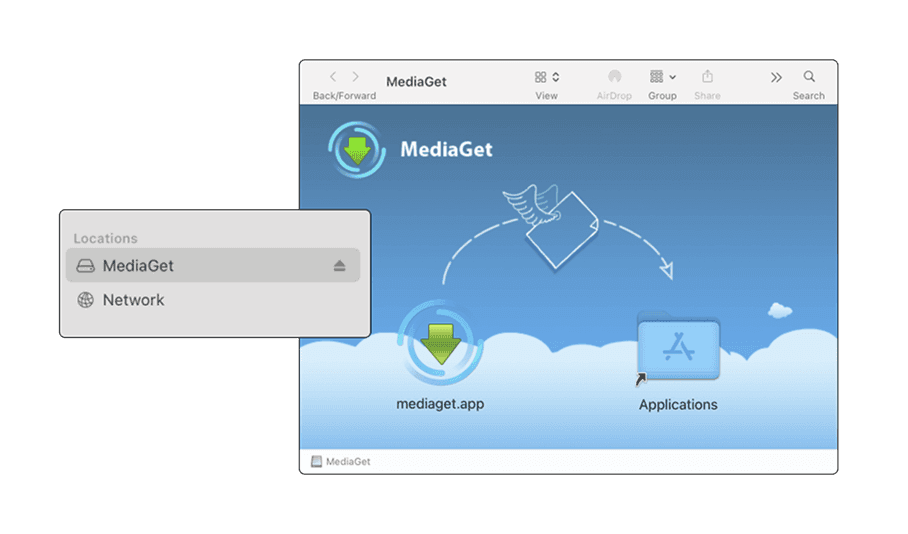
Download the MediaGet.dmg file from the official website, selecting the macOS-specific version from the download page. Once the download completes, double-click the file to mount the disk image.
Download MediaGet for Mac
- 02
Simply drag the mediaget.app icon into your Applications folder.
- 03
Navigate to your Applications folder and launch MediaGet manually.
- 04
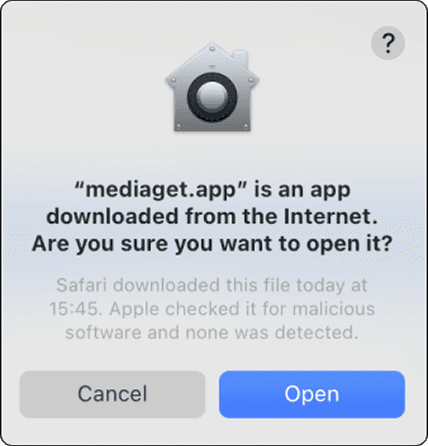
During the initial startup, macOS Gatekeeper may display a security notification - this is standard behavior for downloaded applications. Click "Open" to authorize the application and proceed with setup.
Optimized for macOS Integration
Once installed, MediaGet greets users with an intuitive startup interface and a curated catalog of recent content. Registration via social media or email enables cross-device synchronization and secure cloud storage of personalized settings. Beyond its core features, MediaGet acts as both a magnet to torrent converter and a streamlined link downloader, letting users start downloads instantly from various sources. Its built-in video player supports immediate preview of files as they download - an example of the application’s user-focused design that makes managing mac torrents efficient and enjoyable.
Download MediaGet for MacNote:
If the system prevents launch due to security settings, users can resolve this in System Preferences. Go to Security & Privacy > General, where you'll see a message about MediaGet. Click "Open Anyway" to grant permanent authorization.