
MediaGet Torrent Client for Android (APK)
Smart torrent search, built-in media player, instant setup for easy downloads.
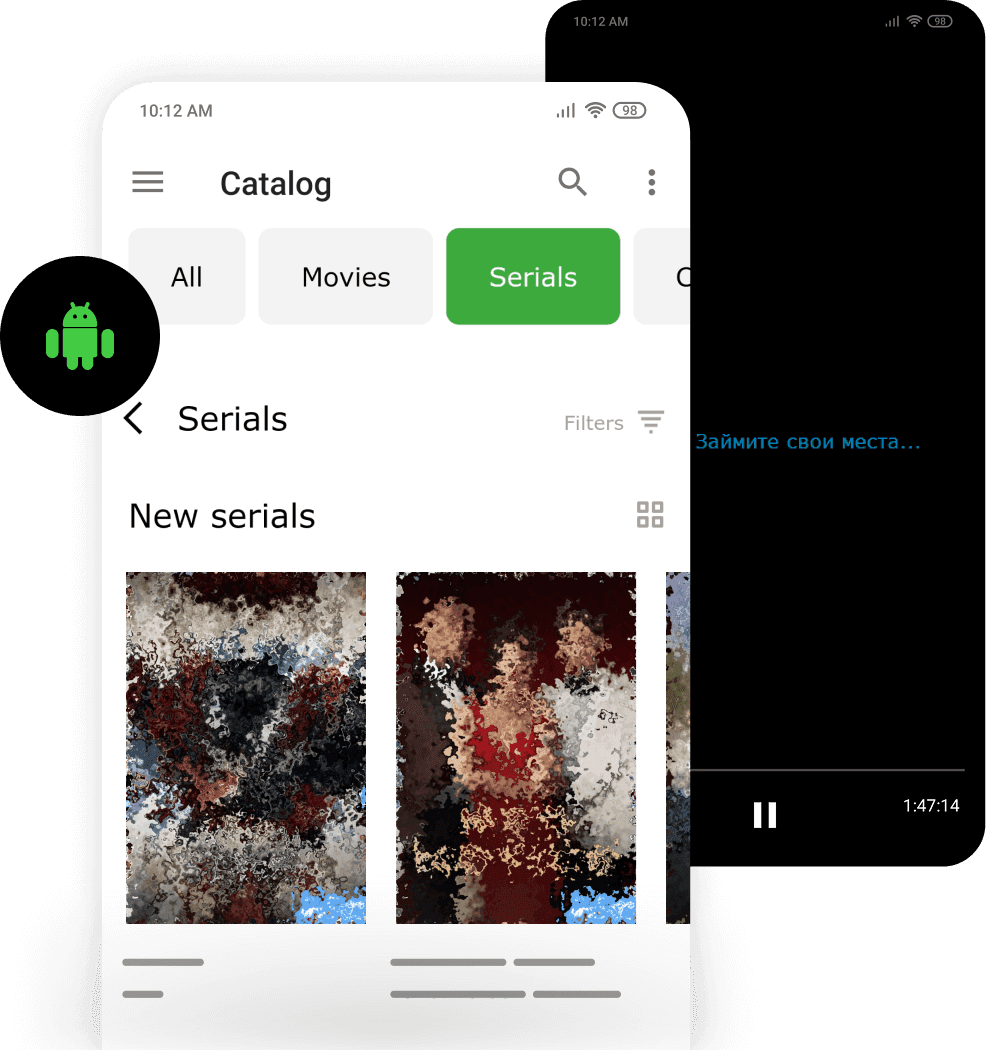
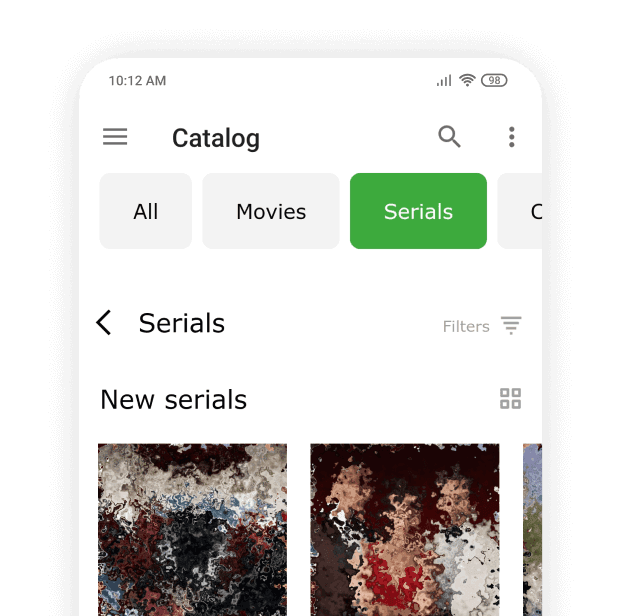
MediaGet torrent client for Android is a convenient torrent downloader application that can be installed manually via APK file. This mobile version features an intuitive interface optimized for touch control - even beginners can easily learn how to use its integrated torrent search engine to find and download files. It supports BitTorrent and P2P connections and provides easy access to movies, music, games, and other legally distributed content.
With MediaGet's powerful torrent search capabilities, users can access free HD Movies direct download content with just a few taps for offline viewing.
Advantages of APK Installation:
You can obtain the application even without a Google account, and install MediaGet on devices that don't have Google Play access. Installing MediaGet via APK provides access to the full version of the application with enhanced functionality, including a built-in content catalog. This enables faster file discovery and downloads through the smart search system.
Key Features of Mobile MediaGet:
- Selective File Downloads: Choose specific files within torrents for targeted downloading
- Advanced Download Management: Set speed limits and prioritize download queues
- Background Processing: Files continue downloading even when the torrent client is minimized
- Integrated Media Player: Like the desktop version, mobile MediaGet includes a built-in video player that enables immediate streaming of downloading content without waiting for completion. This feature is particularly useful when downloading large files - users can begin watching on their phone while the torrent download is still in progress
The combination of efficient download management and instant playback makes MediaGet an ideal solution for users seeking free HD movies direct download functionality on their mobile devices.
Installing MediaGet via APK
- 01
Download the APK File: Visit the official MediaGet website (from your mobile device or computer) and navigate to the "Download" section - "Other OS" - select MediaGet for mobile (Full version) and click "Download MediaGet (Full APK)". The file download will begin. If downloading on PC, transfer the APK file to your phone afterwards (via cable, Bluetooth, or cloud storage).
Download MediaGet FULL APK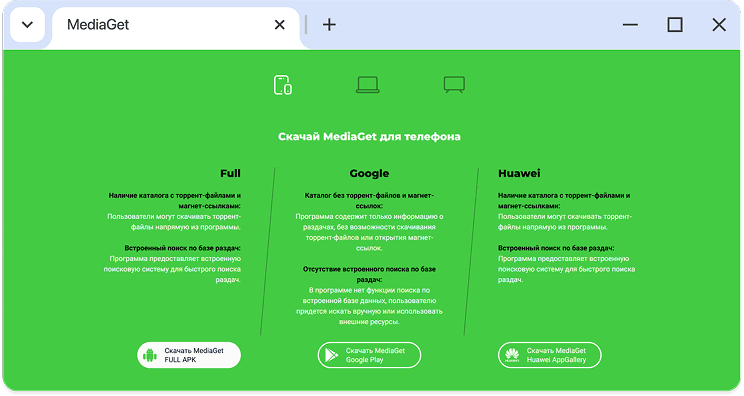
- 02
Enable Installation Permissions: On your Android device, go to Settings > Security (or Apps depending on your OS version) and enable the "Unknown Sources" option (Allow installation from unknown sources). This setting permits installing applications from sources other than Google Play.
Note: On Android 8.0 and higher, instead of a global option, you grant permission to specific applications - such as your browser or file manager - to install APKs. In this case, go to "Settings" → "Apps," find your browser, and activate "Trust this source".
- 03
Install the APK: Open the MediaGet.apk file on your device - this can be done through the file explorer (file manager) or from the notification panel after downloading. The system will ask if you're certain about the installation - confirm by tapping "Install." The installation process will begin and takes just a few seconds.
- 04
Complete Setup: After the successful installation message appears, tap "Open" to launch MediaGet or find the application shortcut on your home screen/menu. Your mobile torrent client is now ready to operate without Google Play.
Important Security Note:
When installing APKs, always use official sources only. Never download MediaGet from suspicious websites to avoid malicious modifications. The official MediaGet APK is safe and virus-free. However, unlike the Google Play version, manual installations won't receive automatic updates - you'll need to periodically download new APK versions from the website to stay current.
Once installed, you can confidently use MediaGet's comprehensive features: find torrents through the integrated search system, download files efficiently, and immediately watch downloading videos in the built-in player. This versatile link downloader supports magnet to torrent conversion and provides full torrent client functionality on your mobile device.