
MediaGet Torrent Client for Tablets
Built-in media player and instant setup for easy downloads.
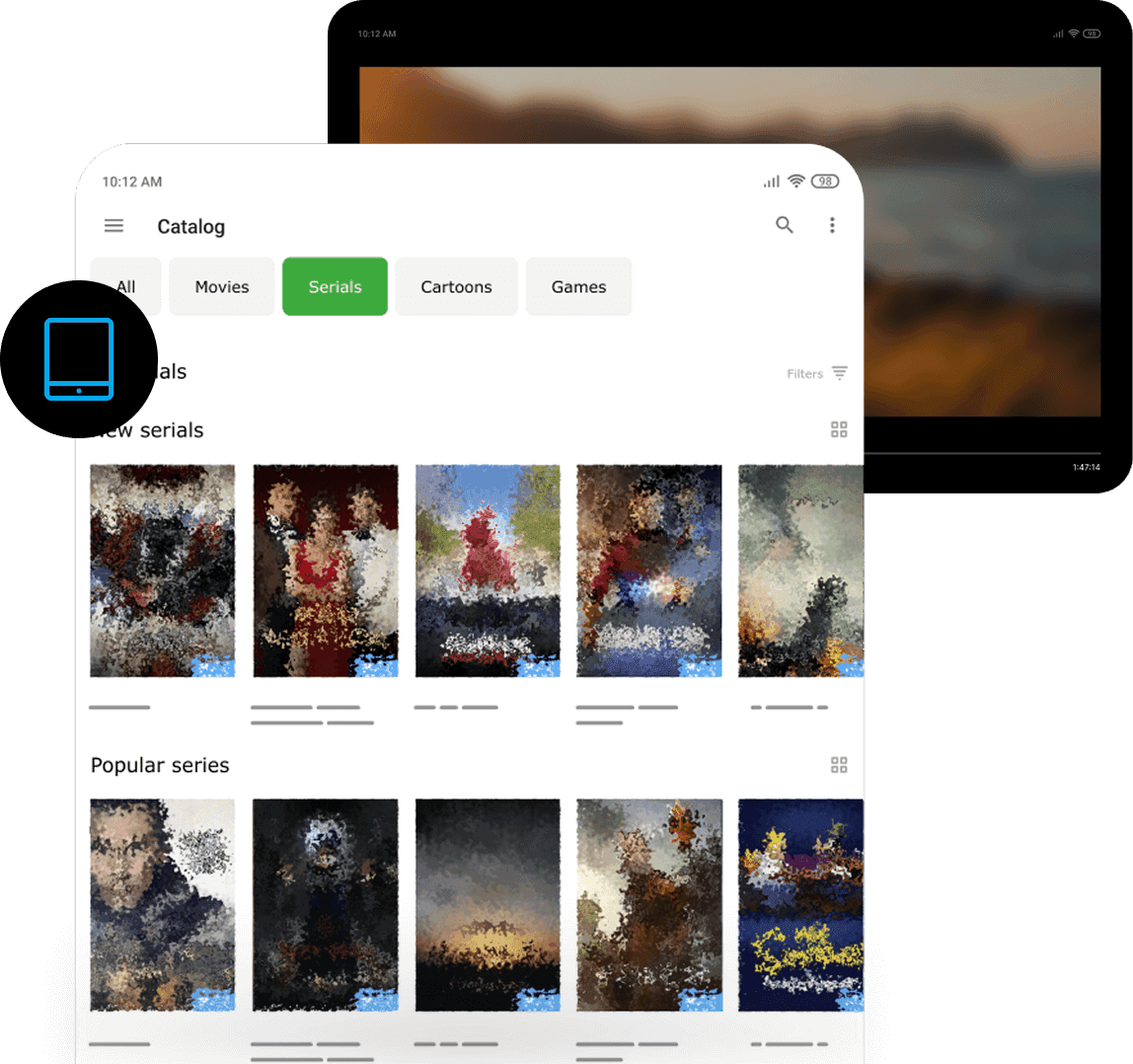
MediaGet torrent client for tablets is a convenient and popular application for downloading files through torrents. It supports BitTorrent and P2P connections and provides easy access to movies, music, games, and other legally distributed content. The mobile version features an intuitive interface optimized for touch control - even beginners can easily learn how to find and download files.
Tablets are excellent devices for content consumption, and MediaGet transforms your tablet into a real multimedia center. The table app of MediaGet is virtually identical to the smartphone version, but its interface scales beautifully for larger screens. With its powerful torrent search capabilities, you can easily access free HD movies direct download content with just a few taps for offline viewing. On tablets, browsing the movie catalog is much more comfortable - you can see more search results simultaneously, read descriptions more easily, and the built-in video player resembles a genuine mini-theater experience.
Key Features of Mobile MediaGet:
- Selective File Downloads: Choose specific files within torrents for targeted downloading
- Advanced Download Management: Set speed limits and prioritize download queues
- Background Processing: Files continue downloading even when the torrent client is minimized
- Integrated Media Player: Like the desktop version, mobile MediaGet includes a built-in video player that enables immediate streaming of downloading content without waiting for completion. This feature is particularly useful when downloading large files - users can begin watching on their phone while the torrent download is still in progress
The combination of efficient download management and instant playback makes MediaGet an ideal solution for users seeking free HD movies direct download functionality on their mobile devices.
Installing MediaGet on Tablets
Installation follows the standard process: either through Google Play (search for the name and install as described on the Android page), or via APK file if you want the full version or your tablet doesn't have Play Store access. Huawei tablets can also install MediaGet through AppGallery.
After installation and launch, MediaGet provides access to all features. A tablet connected to Wi-Fi can download torrents at high speeds comparable to PCs. For example, you can load several movies or music albums onto your tablet in the evening, then take the tablet on trips for offline viewing and listening.
MediaGet's torrent downloader functionality helps find virtually any media content. You can simultaneously download multiple torrents - tablets can handle this if they have sufficient battery and storage space.
It's advisable to have a memory card or adequate internal storage, especially for HD movies and higher quality content. MediaGet settings allow you to choose file save locations (if your tablet has a MicroSD slot, you can configure downloads directly to the memory card).
Tablets typically have larger batteries than phones, but remember: extended downloads can drain devices. We recommend keeping your tablet charged during heavy downloading sessions. You can also limit speeds to reduce system load.
Overall, MediaGet on tablets is a comprehensive torrent application for downloading multimedia content. It transforms your device into a portable media center storing your favorite movies and series. You can watch them anywhere: on trains, planes, at vacation homes - even without internet connection.
Each MediaGet version is optimized for its platform, but all work cohesively. You can synchronize playlists and favorites between devices - start creating lists on your phone, continue on PC, and begin viewing on TV.
MediaGet for tablets is a complete torrent downloading application that transforms your device into a portable media center.